A support package includes the user's client log and server/client information, which are useful for diagnostics.
In the 12d Synergy Client application, select the Help menu > Generate a support package option.
The Browse for Folder prompt is displayed.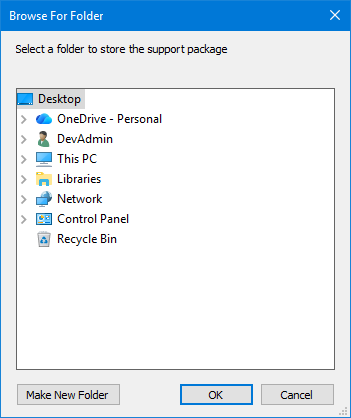
Select a location to save the support package and click the OK button.
The following prompt is displayed.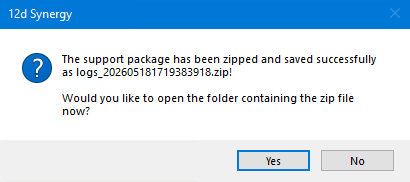
Click the Yes button to access the support package.
The folder containing the support package is displayed in the Windows Explorer.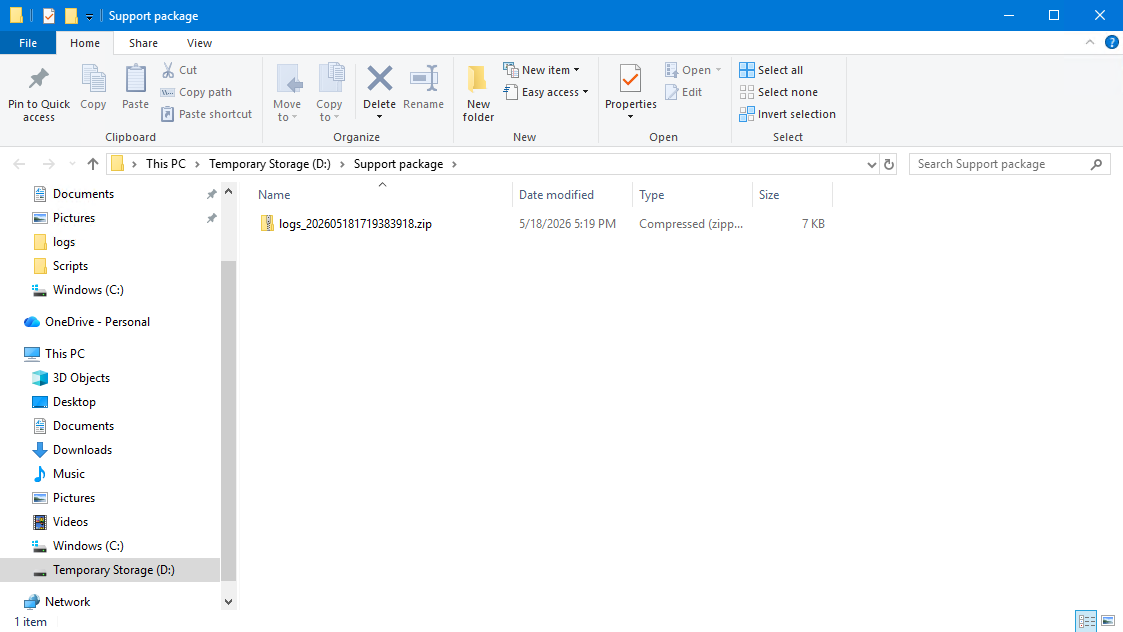
Share the support package (.zip file) with the 12d Synergy Support team.