Logout: 12d Synergy Mobile App
- Updated on Jun 26, 2025
- Published on Aug 29, 2023
1.1. How to Log Out of the 12d Synergy Mobile App
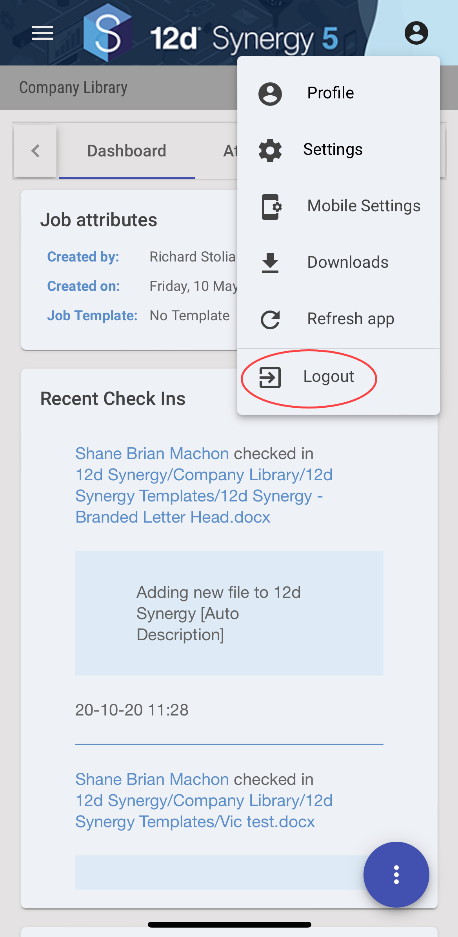
- In the 12d Synergy mobile app homepage, tap the Profile
 icon and select the Logout option.
The following confirmation message is displayed.
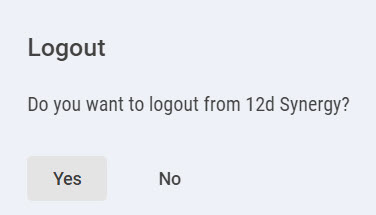
- Click the Yes button.
You are logged out of the 12d Synergy mobile app and the 12d Synergy mobile app login page is displayed.
Was this article helpful?