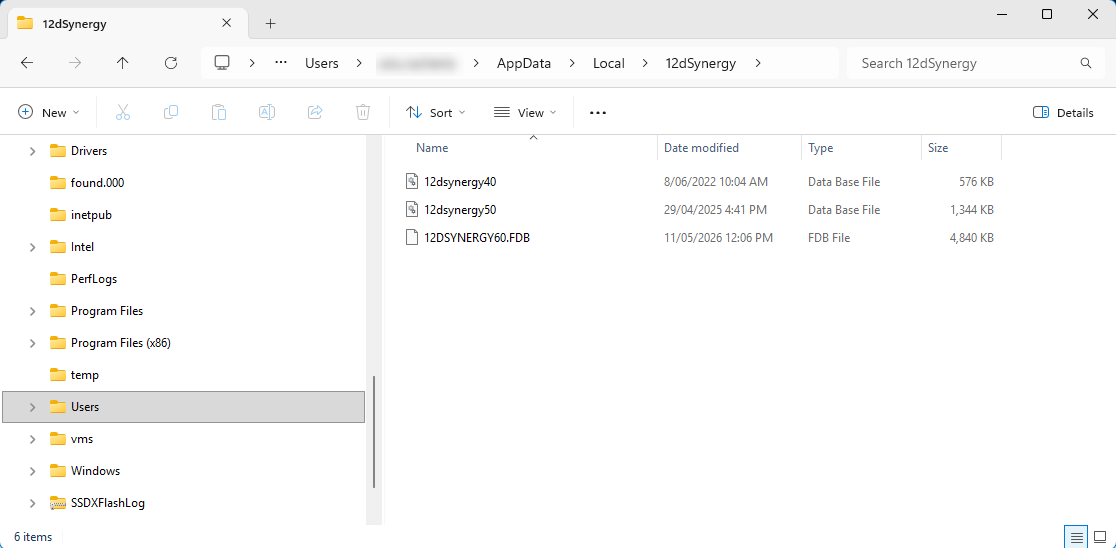
To know the location of the 12d Synergy local database, do the following:
In your system, open Windows File Explorer
 .
. Type %localappdata% in the address bar as shown below.
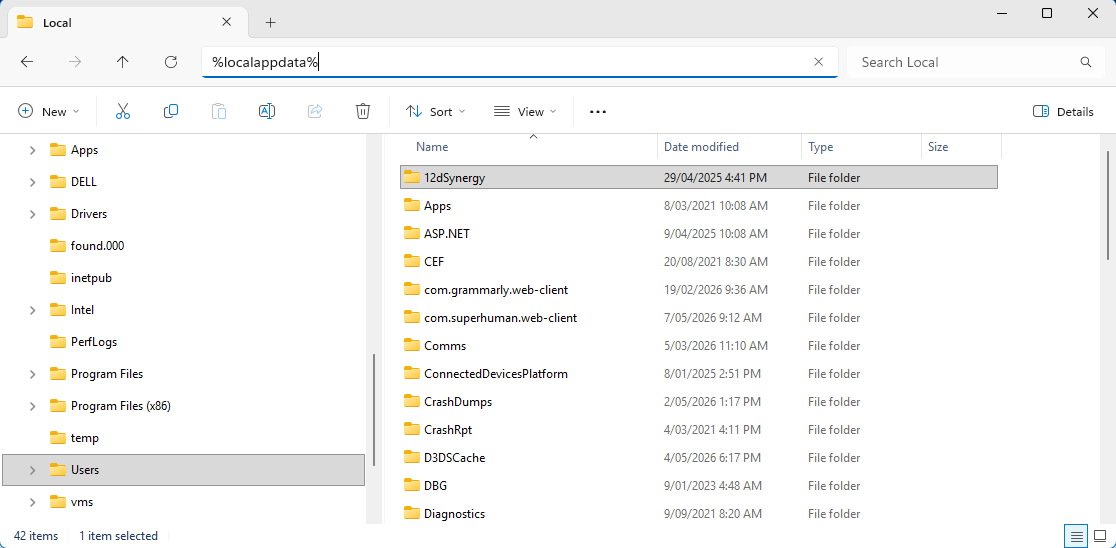
Double-click the 12dSynergy folder.
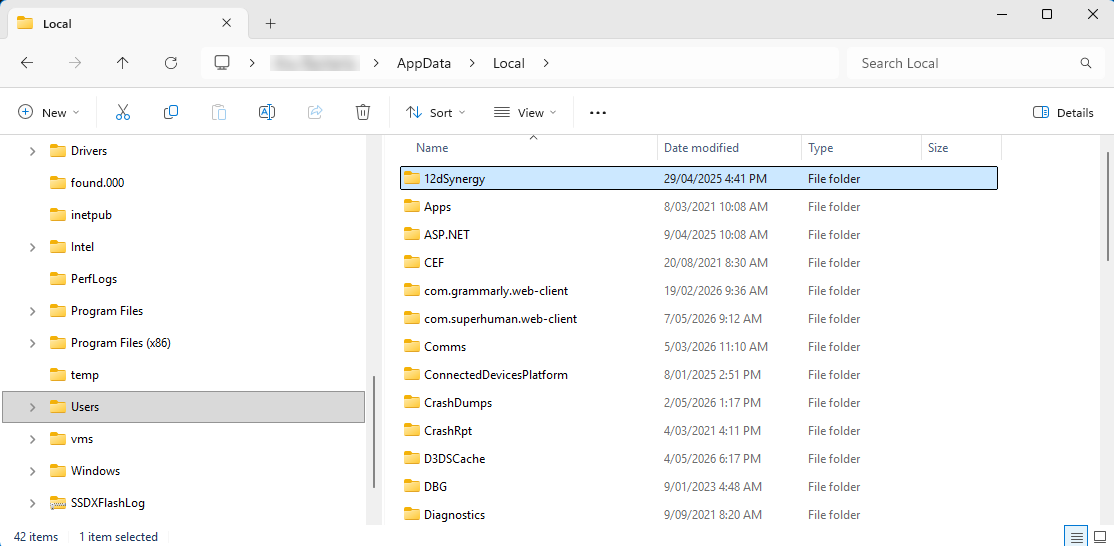
The 12d Synergy version-wise database files for versions 4.0, 5.0 and 6.0 are in this folder. They are named 12dSynergy40.db, 12dsynergy50.db or 12dsynergy60.fdb, respectively.